 openmasu
solutions · media & entertainment
Run every production from one schedule your whole crew can see.
Put episodes, shoot days, crew and locations in one base and link them together. The production calendar updates live for everyone, and each asset points to where its file actually lives.
- Shoot days on a calendar you can drag to reschedule
- Episodes linked to crew, locations and assets
- URL fields that point to your storage, not copies
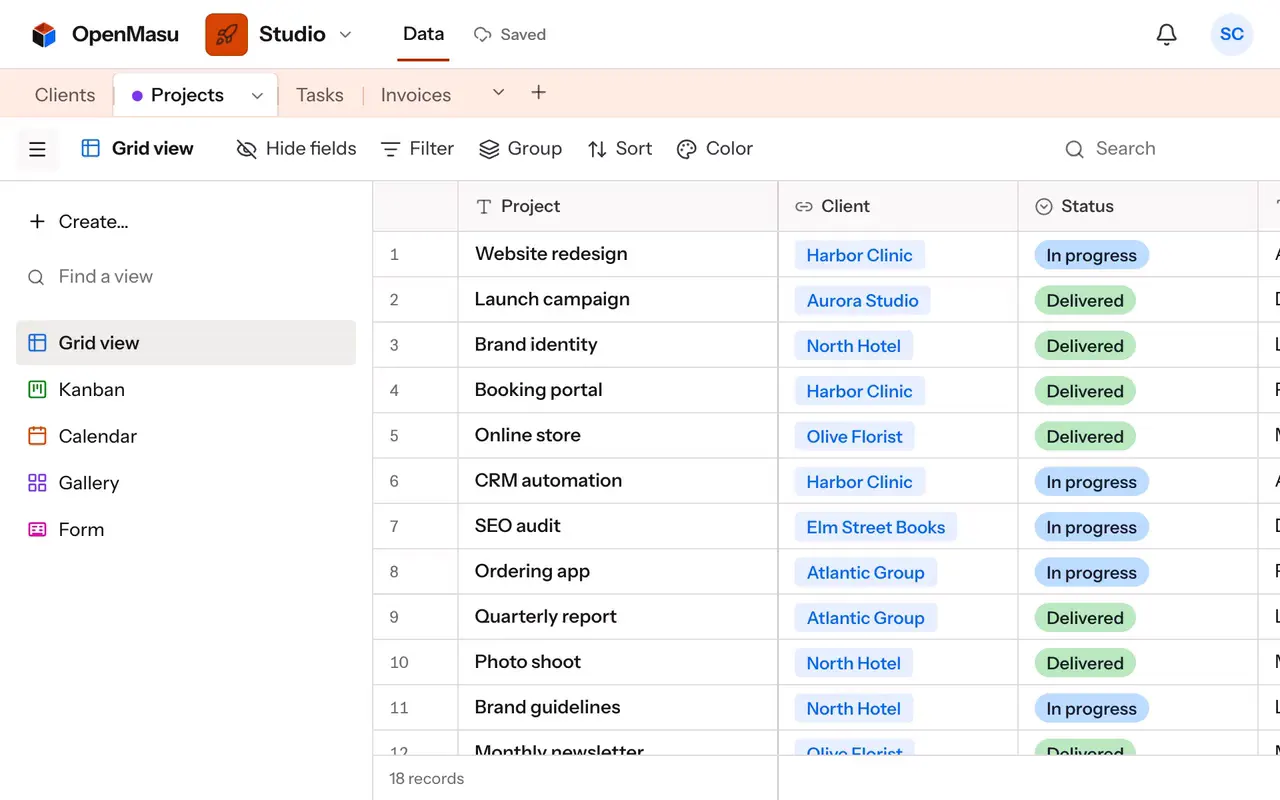
| Shoot | Shoot date | Episode | Location | Crew | Status |
|---|---|---|---|---|---|
| Ep 3 · Harbor interviews | Mar 3 | Ep 3 · The tide | North pier | Lena (DoP) Marco (sound) | Confirmed |
| Ep 3 · B-roll at dawn | Mar 4 | Ep 3 · The tide | Lighthouse road | Lena (DoP) | Confirmed |
| Ep 4 · Workshop day | Mar 9 | Ep 4 · Hands | Old print shop | Sam (director) Marco (sound) | Permit pending |
| Ep 4 · Studio pickups | Mar 11 | Ep 4 · Hands | Studio B | Sam (director) | Tentative |
| Ep 5 · Market scenes | Mar 16 | Ep 5 · Night shift | Central market | Lena (DoP) Ana (PA) | Scouting |
Everyday workflows
A production calendar that stays current
Each shoot day is a record with a date, a location and a status. The calendar view shows the month or week, and when weather moves a shoot you drag it to another day. Everyone with the base open sees the change instantly, so call sheets and crew plans start from the same schedule.
Episodes linked to crew and locations
Episodes, Crew and Locations are their own tables. Link a shoot to its episode, the people booked and the place, and each person and location shows its shoots through the inverse link. Filter Shoots by «Crew contains Lena» to see one person's week, or group by Episode to check coverage.
Asset tracking without moving files
An Assets table lists every cut, mix, graphic and release form with a URL field pointing to where the file lives in your storage. A single select tracks «Raw», «In edit», «Approved» and «Delivered», and a kanban view lets editors drag cards forward. Comments with @mentions ask for notes on a specific cut.
Post-production on a timeline
Give each episode an edit start and a delivery date and open the timeline view to see post-production overlap across the season. A formula like DATETIME_DIFF({Delivery}, TODAY(), 'days') shows days left, and a filter «Status is not Delivered and Delivery is before today» flags what is late.
Views & structure
Key views
- Calendar See shoot days by month or week and drag them when plans change.
- Kanban Move assets from raw to delivered by dragging cards between status columns.
- Timeline Spot overlapping edits and deliveries across a whole season.
- Grid Edit crew bookings and locations fast, with filters for one person or episode.
- Form Let location scouts submit new places through a public link.
Recommended fields
- Shoot date (Date) Places each shoot on the calendar, with time and time zone if needed.
- Episode (Link to another record) Ties shoots and assets to the episode they belong to.
- Crew (Link to another record) Books people on shoots and shows each person's schedule.
- File location (URL) Points to where the asset lives, so nothing gets copied around.
- Asset status (Single select) Raw, in edit, approved, delivered, with a color for each.
- Days to delivery (Formula) Counts days left until the delivery date of each episode.
Your agent over MCP
Connect your own agent (Claude, ChatGPT, Codex or Cursor) over MCP and it works in the same base as the team. It can set up a season's tables, add shoots from a pasted schedule and answer questions about crew and assets. Its edits show up live and can be undone.
create_base create_table create_records link_records query_records
Put your next production in one base
Start with shoots and crew, add locations and assets as the season grows.