 openmasu
solutions · agencies
Every client, project and deliverable linked, from kickoff to invoice.
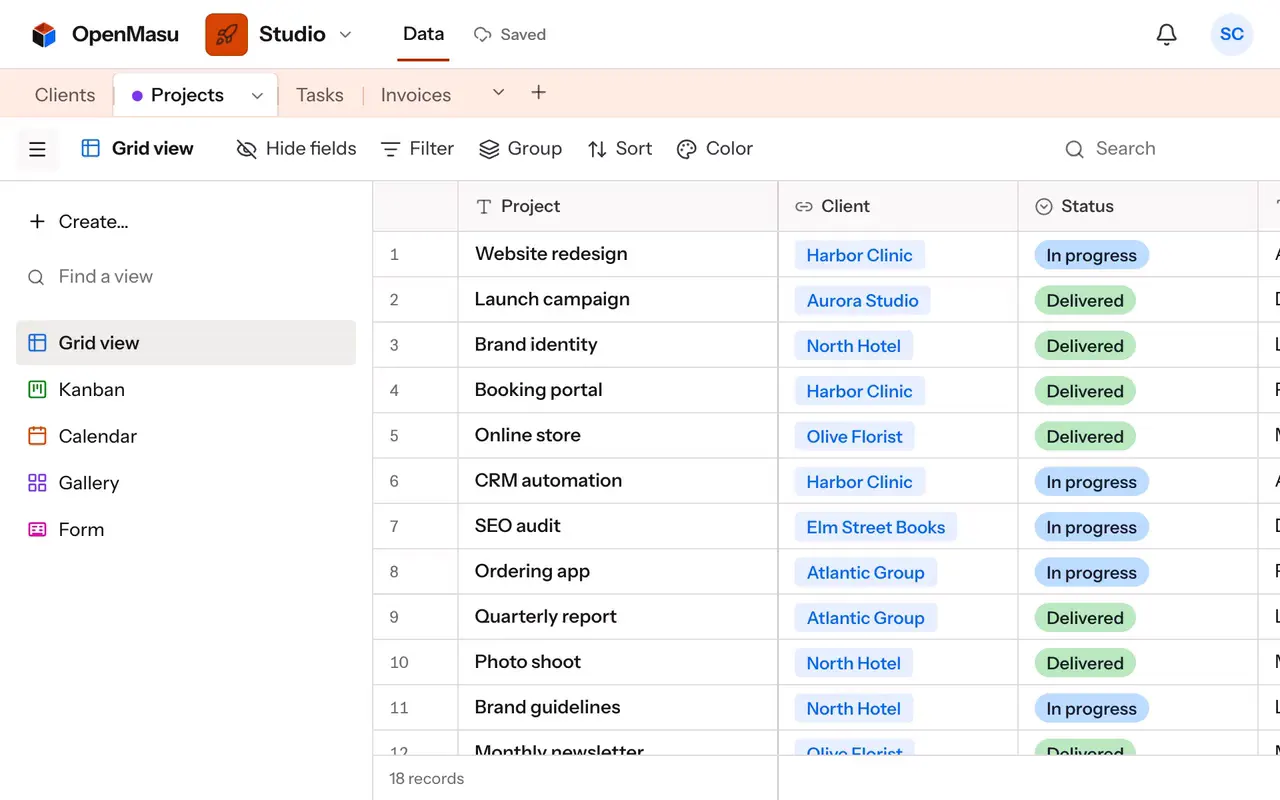
Keep clients, projects and deliverables as linked tables, plan each account on a timeline and watch hours against budget with formulas. Clients review work as commenters, and your Stripe invoices sync into the same workspace.
- Two-way links: client → projects → deliverables
- Formulas for hours left, budget used and days to due
- Commenter role so clients review without editing
| Project | Client | Budget hours | Hours logged | Hours left | Stage |
|---|---|---|---|---|---|
| Website redesign | Northfield Bakery | 120 | 86 | 34 | In production |
| Brand refresh | Harbor Dental | 60 | 64 | -4 | Client review |
| Q4 ad campaign | Pinecrest Outdoors | 40 | 12 | 28 | Kickoff |
| Product photos copy | Lumen Lighting | 24 | 22 | 2 | Final tweaks |
| Newsletter templates | Northfield Bakery | 16 | 16 | 0 | Delivered |
Everyday workflows
Clients, projects and deliverables in one chain
«Projects» links to «Clients», and «Deliverables» links to «Projects»; each link creates the inverse field automatically, so a client record lists its projects. Run deliverables on a kanban by «Stage» and filter «Due is before today and Stage is not Delivered» for Monday's stand-up.
A timeline per client
Give every project a «Start» and «Due» and open a timeline view grouped by client: each account becomes a lane, so overlaps and gaps show before you promise a new date. A Gantt view of deliverables adds dependencies between design, copy and build.
Hours and budget that compute themselves
Each project has «Budget hours», «Hours logged» and «Rate». Formulas give {Budget hours} - {Hours logged}, the fee used as {Hours logged} * {Rate}, and DATETIME_DIFF({Due}, TODAY(), 'days') to delivery. The summary bar totals what the current view shows.
Client feedback without email threads
Invite the client to the workspace as a commenter. They see their deliverables, with a URL field pointing to the draft, and leave comments that @mention the owner. The record history shows who changed what, field by field, so approvals are easy to trace.
Stripe invoices next to the work
Connect Stripe and OpenMasu creates a base with Customers, Invoices, Payments, Subscriptions and Products, refreshed every 15 minutes. It only reads. Add your own «Project» field to invoices and filter by status to see which clients still owe you.
Views & structure
Key views
- Deliverables by stage Drag work from brief to delivered and see what waits on the client.
- Projects by client One lane per account to spot clashes before committing dates.
- Launch plan Deliverables with dependencies, so a late design shifts the build.
- Over budget Projects where hours left is below zero, totaled in the summary bar.
- New brief A public link clients fill in; each brief arrives as a record.
Recommended fields
- Client (Link to another record) Connects each project to its account, with the inverse list on the client.
- Stage (Single select) Colored stages that drive the deliverables kanban.
- Due (Date) Places work on the timeline and powers overdue filters.
- Hours left (Formula) {Budget hours} - {Hours logged}, updated as time is logged.
- Rate (Currency) Hourly rate used to compute the fee consumed.
- Draft link (URL) Points to where the file lives for client review.
Your agent over MCP
Connect your own agent (Claude, ChatGPT, Codex or Cursor) over MCP. It can set up the studio base, log work and answer questions across clients and synced Stripe data, with your token's permissions; edits show live and are marked in history.
create_base create_table create_view query_records aggregate_records
Run your next client project in OpenMasu
Link clients, projects and deliverables today; invite your client as a commenter.